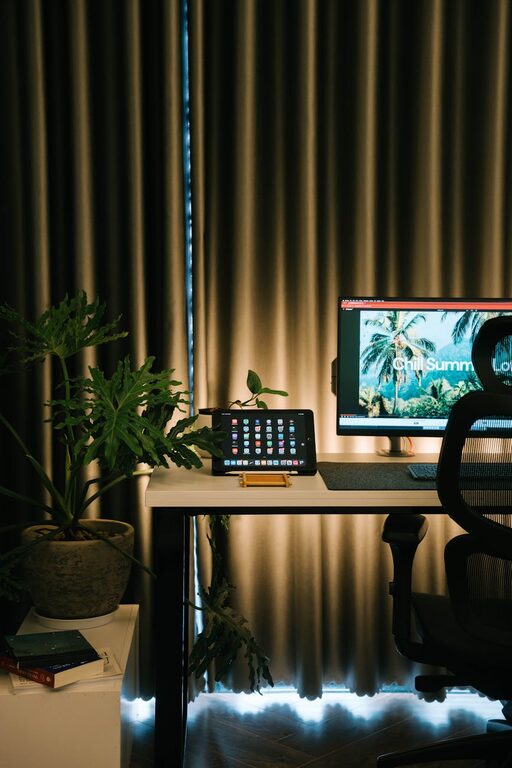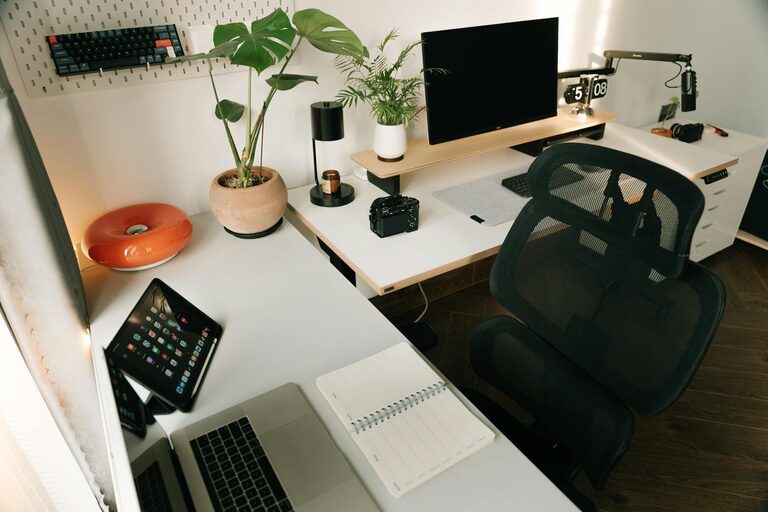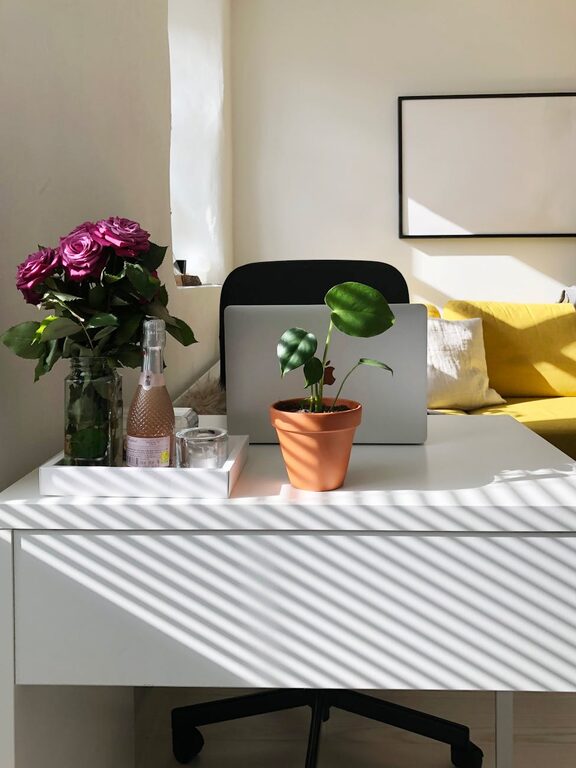







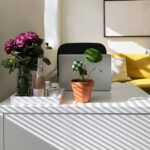

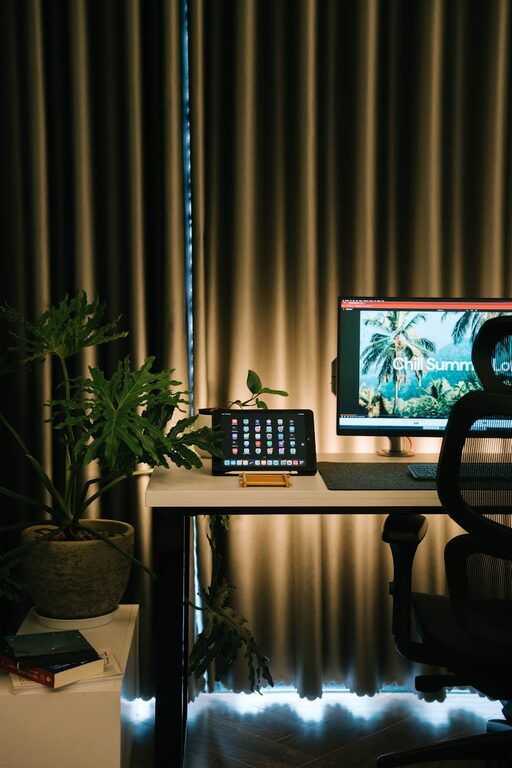
Creating a cozy and functional home workspace is essential for anyone who spends considerable time working from home. A well-designed workspace can improve productivity, reduce stress, and make your workday more enjoyable. Whether you have a dedicated room or a small corner, these tips will help you set up a space that meets both comfort and efficiency needs.
Choose the Right Location
Find a Quiet Spot
Select a part of your home that is quiet and free from distractions. If possible, pick a room where others won’t frequently pass by.
Consider Natural Light
Natural light helps reduce eye strain and boosts mood. Position your desk near a window to take advantage of daylight. If natural light is limited, use warm, adjustable lighting.
Think About Electrical Sources
Make sure your workspace is near power outlets for your computer, lamp, and other devices. This reduces the need for extension cords and keeps your setup neat.
Invest in Comfortable Furniture
Ergonomic Chair
Comfort is key for long work hours. Choose an ergonomic chair that supports your posture and reduces back pain.
Suitable Desk
Pick a desk that fits your work style—whether it’s a traditional desk, a standing desk, or a compact corner unit. Ensure it has enough space for your computer, notebooks, and other essentials.
Consider Adjustable Options
Height-adjustable desks and chairs can help you change positions throughout the day, reducing stiffness and improving circulation.
Organize for Efficiency
Declutter Regularly
Keep your workspace tidy by removing unnecessary items. A clutter-free desk helps you focus and feel calm.
Use Storage Solutions
Incorporate shelves, filing cabinets, or drawer organizers to store documents, supplies, and personal items neatly.
Set Up Cable Management
Use cable clips, sleeves, or ties to keep cords organized and prevent tangling.
Add Personal Touches
Choose Calming Colors
Paint the walls in soft, soothing hues such as light blue, green, or beige to create a peaceful atmosphere.
Incorporate Plants
Plants not only decorate your space but also improve air quality and reduce stress.
Display Inspiring Items
Add photos, artwork, or motivational quotes that make you happy and inspired.
Make Technology Work for You
Upgrade Your Equipment
Make sure your computer, printer, and other devices are reliable and up to date to avoid frustration.
Set Up a Good Internet Connection
A stable, high-speed internet connection is vital for virtual meetings and online tasks.
Use Headphones or Speakers
A good pair of headphones or speakers can help you focus and improve audio quality during calls.
Maintain Healthy Habits
Take Breaks
Schedule regular breaks to stretch, walk around, and rest your eyes, which helps maintain productivity and wellbeing.
Stay Hydrated
Keep a water bottle nearby to remind yourself to drink plenty of fluids throughout the day.
Personalize Your Schedule
Plan your work hours to fit your natural energy levels, allowing for peak productivity times.
Optimize for Lighting
Combine Ambient and Task Lighting
Use a mix of overhead lighting and desk lamps with adjustable brightness to reduce eye strain.
Avoid Glare
Position monitors and lights to minimize reflections and screen glare for comfortable viewing.
Keep the Air Fresh
Ventilate Regularly
Open windows when possible to let fresh air circulate and keep the environment comfortable.
Use Air Purifiers or Humidifiers
In areas with poor air quality or dry air, devices like purifiers or humidifiers can improve comfort.
Final Thoughts
Creating a cozy and functional home workspace doesn’t require a complete renovation. By focusing on comfort, organization, and personalization, you can design a space that helps you stay motivated and productive. Regularly review and adjust your setup to keep it aligned with your work needs and preferences. With these tips, your home workspace can become a place you look forward to spending time in every day.